



Home / Canvas Accessibility Tools
Canvas has several tools to support and encourage accessible content. It is important to be familiar with as many as possible and to use them regularly while working in Canvas.
Below are links to guides for a few of these tools.
TidyUP is a content cleanup tool for Canvas courses that provides a quick way to view all of the content in your course and clean out anything that is no longer needed. Identifying and deleting extra files, folders, pages, or assignments that are no longer needed makes your course easier to manage and more usable for everyone!
You can find more information on the TidyUP tool in this CidiLabs training course.
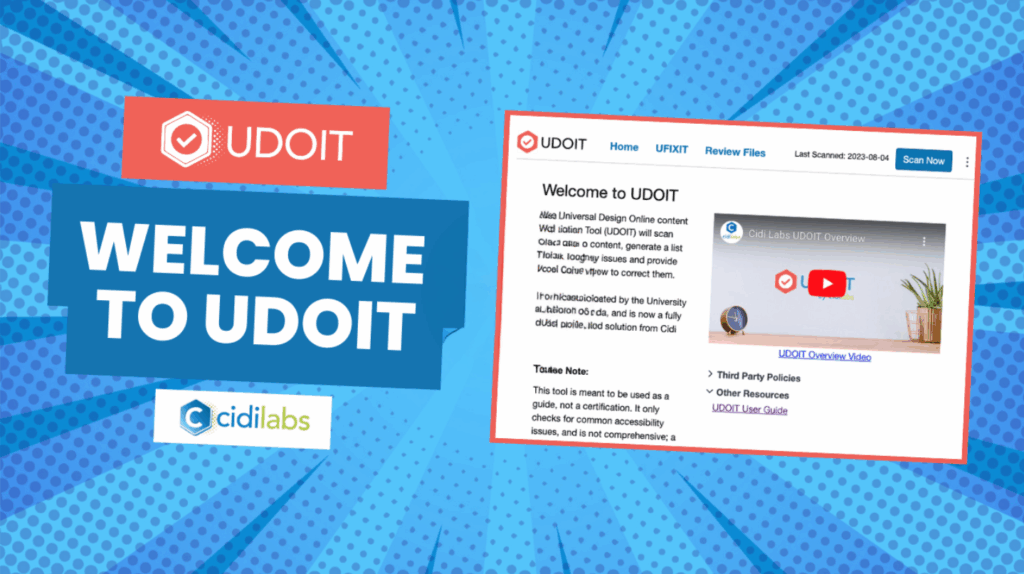
UDOIT – pronounced “You Do It” – stands for the Universal Design Online Inspection Tool.
UDOIT is a course level accessibility checker that scans online course content, identifies possible accessibility issues, and guides course designers and instructors in repairing those issues using inclusive design principles – all from within the UDOIT interface.
Learn more about UDOIT and how it can help create accessible content in the UDOIT CidiLabs training course.
The Canvas Rich Content Editor (RCE) appears in several places in Canvas for editing and formatting text. This allows you to add heading tags, insert videos and images, and generally give more structure and organization to your content. This tool also has its own accessibility checker. You can learn more about it and how to use it on the Canvas Community site.
| Cookie | Duration | Description |
|---|---|---|
| cookielawinfo-checkbox-analytics | 11 months | This cookie is set by GDPR Cookie Consent plugin. The cookie is used to store the user consent for the cookies in the category "Analytics". |
| cookielawinfo-checkbox-functional | 11 months | The cookie is set by GDPR cookie consent to record the user consent for the cookies in the category "Functional". |
| cookielawinfo-checkbox-necessary | 11 months | This cookie is set by GDPR Cookie Consent plugin. The cookies is used to store the user consent for the cookies in the category "Necessary". |
| cookielawinfo-checkbox-others | 11 months | This cookie is set by GDPR Cookie Consent plugin. The cookie is used to store the user consent for the cookies in the category "Other. |
| cookielawinfo-checkbox-performance | 11 months | This cookie is set by GDPR Cookie Consent plugin. The cookie is used to store the user consent for the cookies in the category "Performance". |
| viewed_cookie_policy | 11 months | The cookie is set by the GDPR Cookie Consent plugin and is used to store whether or not user has consented to the use of cookies. It does not store any personal data. |